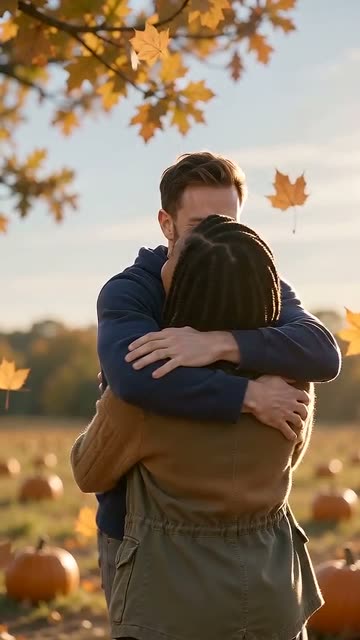

Zombie Best Friends Video: The Trend for You and Your Bestie
Upload one photo of you and one of your best friend, and choose who turns. Your zombie best friends video shows the run, the leap and a hard cut to the two of you laughing on a good day. 15 seconds, vertical 9:16, 720p, with sound.
Left turns. Right still knows them. Swap if it is the other way round.
$6.901 video · one time
Sign in with Google or email to make it. A 15-second vertical video with sound, 720p.

 Made from these two photos.
The fastest way to make your zombie best friends video: add two photos and get a 15-second video.
Make ours · $6.90Zombie best friends video examples
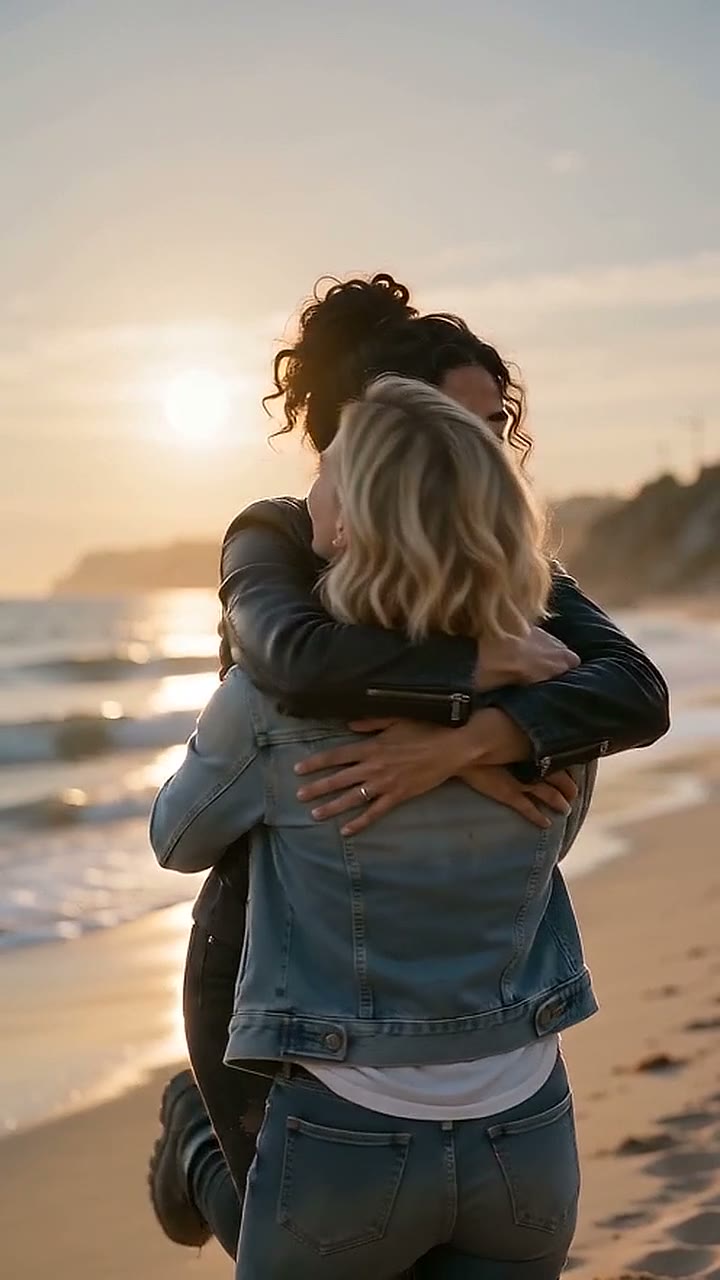
Best friends, beach, 15 s 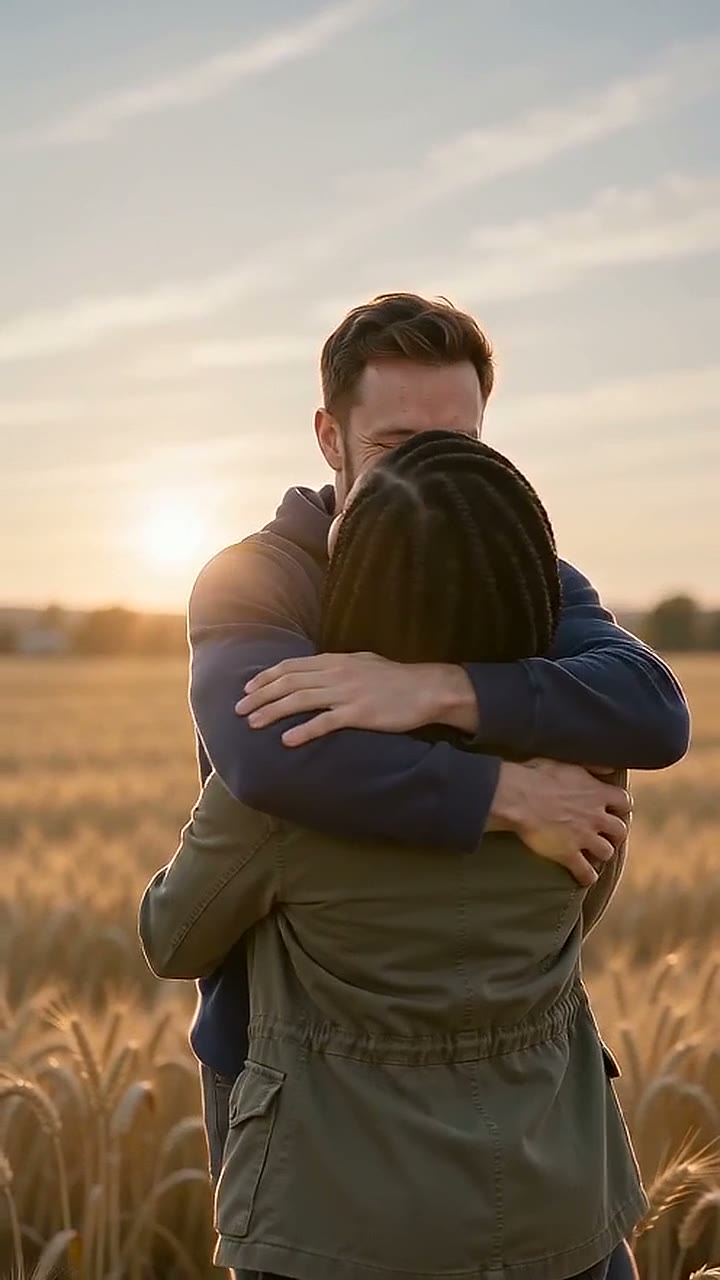
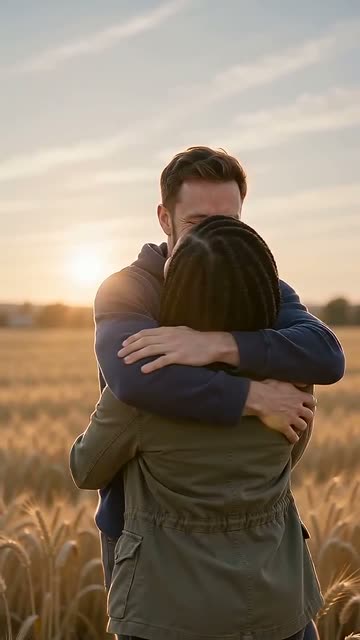
Classic, wheat field, 15 s
Best friends: a ruined street, then a golden field
Two friends in a cold, empty city. One has turned. The other lowers the gun, the run and the leap follow, and the cut lands on the two of them laughing in a wheat field.
Classic: the original look
The same story in the ruined city with drifting ash, the look most people know from the trend.
Every person in these samples is AI-made.
The short answer
Upload one photo of you and one of your best friend, choose who turns, pick a scene and press Make. Your friend sprints and leaps, and mid-air the video cuts to a warm memory of you both. No kissing, no romance. Sign in with Google or an email code and pay $6.90. Most videos are ready in 5 to 10 minutes.
What's new on this page
- Page published with the Best friends template, three scenes (Classic, Pumpkin field, Marigolds), new packs and a monthly plan.
What happens in your zombie best friends video
| Beat | What you see |
|---|---|
| The survivor | Photo 1, alone and in tears, holds a gun in a cold, empty place. |
| The face | A close-up of Photo 2: grey skin, clouded eyes, still clearly your friend. |
| The choice | The gun goes down. Arms open. |
| The run | Your friend sprints toward you and leaps. |
| The cut | Mid-air, a hard cut: the two of you on a good day, laughing in warm light. |
The hug is a friend hug. The memory shows the kind of day best friends share: a road trip, a field at sunset, a laugh that will not stop. No shot is fired, and nobody is hurt.
How to make a zombie best friends video in 3 steps
- 1
Add one photo of each friend.
Photo 1 stays human. Photo 2 is the friend who turns. Use two separate photos, one person in each.
- 2
Pick a scene.
Classic for the look of the original trend, Pumpkin field for Halloween, Marigolds for Day of the Dead.
- 3
Press Make.
Sign in with Google or an email code, then pay or use your credits. A private link comes by email, usually in 5 to 10 minutes.
Who it is for
Your best friend since school
Now you are both adults, and the friendship still holds. The memory at the end is the part they will replay.
Your bestie who moved away
A long-distance message without the long message. Send it on the day you miss them most.
Your roommate or work friend
The person who sees you every day and would still look for you first.
Your group of friends
One video holds two people. Make one for each pair in the group and post them in a row.
Everyone in the photos must be 18 or older and agree to be in the video.
Pick your scene
Classic
A ruined city with drifting ash, then a golden wheat field at sunset. The version most people know.
Pumpkin field
A dark pumpkin patch at night, then a sunny afternoon among the pumpkins. Good for an October post with your friend.
Marigolds
Candles and orange marigolds at night, then a warm day together. Made for Day of the Dead, on November 1 and 2.
Every scene costs the same and runs 15 seconds.
What you upload, what you get
You upload
One photo of you and one of your friend: face clear, looking at the camera, waist up. JPG, PNG, WebP or HEIC, up to 10 MB each.
You get
One MP4 of 15 seconds, vertical 9:16, 720p, with sound. It fits TikTok, Reels and Shorts without cropping. The link works for 30 days, so save the video once it arrives.
Photo tips for two friends
One person per photo
Crop group shots down to one face, or pick a solo photo. Each face needs its own frame.
Faces to the camera
Front-facing photos keep you both recognisable. Side profiles often lose the likeness.
Similar framing
Two waist-up photos at about the same distance look natural next to each other.
Clear eyes
Skip sunglasses, party filters and hats that shade the eyes. The eyes change the most.
Good light
Daylight or a bright room. A dark bar photo is the most common reason a face drifts.
Caption ideas for your zombie best friends video
- "Even like this, you are still my person."
- "Tag the friend you would run to first."
- "Best friends through the end of the world."
- "You turned. I still saved you a seat."
- "POV: your bestie at 3 a.m. and you love them anyway."
- "Friendship: no matter what you become."
Post it on their birthday, on your friendship anniversary, or the week before Halloween with the Pumpkin field scene.
What can go wrong, and how to avoid it
A face does not look right
This usually comes from a dark, small or side-on photo. Use your free remake with a brighter, front-facing photo.
The wrong friend turns
The person in Photo 2 turns. Swap the photos and remake.
The video fails
Sometimes the model or the safety check stops a video. A failed video costs nothing, and the credit goes back to you.
Your friend, your story: two photos and 15 seconds with sound.
Make our video for $6.90Zombie best friends video price
- 1 video: $6.90
- 3 videos: $12.90, $4.30 each (best value)
- 10 videos: $34.90, $3.49 each
- Monthly plan: 6 videos for $19.90 a month, $3.32 each. Yearly billing saves 40%.
Every template and scene costs the same. Pack credits never expire. Each video includes 1 free remake within 7 days. See all prices.
More templates
Couples
One of you turned, the other runs anyway. Zombie couple video
Family
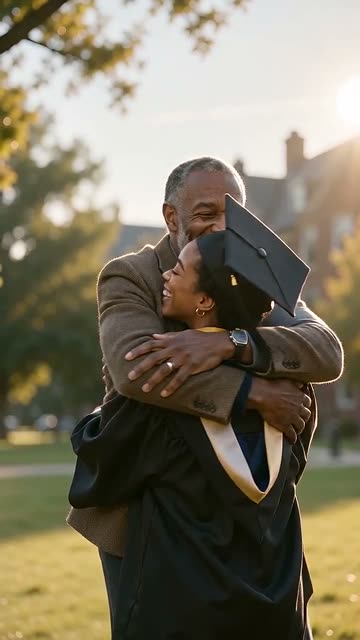
An adult child and a parent, or adult siblings. Zombie mom and daughter video
Dog
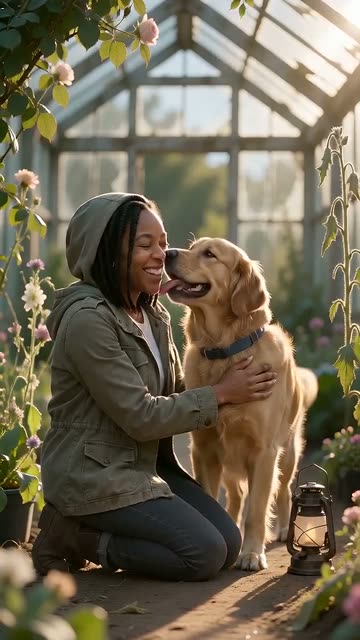
Your dog turns, knows you anyway and comes to your hand. Zombie dog video
Cat
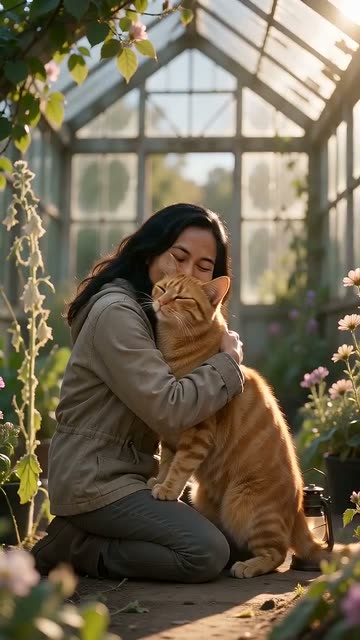
Your cat takes its time, then comes home to you. Zombie cat video
Pets
Both pet templates on one page. Zombie pet video
Halloween
The pumpkin field version for October. Halloween zombie video
Your friend turned. You still knew them.
Two photos, 15 seconds, sound on. Make our video for $6.90
Questions
Can I do the zombie trend with my best friend?
Yes. Choose the Best friends template, add one photo of you and one of your friend, and pick a scene. You get a 15-second vertical video with sound.
Is the best friends version romantic?
No. It is a friendship story: a friend hug and a warm memory of a good day. There is no kissing.
Who turns into the zombie?
The person in Photo 2. Swap the photos if you want to be the zombie instead.
Can three friends be in one video?
No. Each video holds two people. For a group, make one video for each pair.
Can we use a photo of the two of us together?
No. Use one photo of each person, so each face gets its own frame.
How much does it cost?
$6.90 for one video. 3 videos cost $12.90, 10 cost $34.90, and the monthly plan gives 6 videos for $19.90 a month.
How long does it take?
Most videos are ready in 5 to 10 minutes. We email you a private link, so you can close the page.
Do I need to sign in?
Yes. You sign in with Google or a one-time email code when you press Make.
Does my friend need to agree?
Yes. Only use photos of adults who agreed to be in the video. We delete your photos 7 days after delivery.
More pages
- Zombie Couple Video: Make Yours From Two Photos
Make the zombie couple video from two photos: one of you turned, the other lowers the gun, then a mid-air cut to a warm memory. 15 s, with sound.
- Zombie Mom and Daughter Video: The Zombie Trend With Your Family
Make the zombie mom and daughter video from two photos, or the dad, son or sibling version. Mom turns, you still know her, then a warm memory. With sound.
- Halloween Zombie Video: Your Zombie Hug From Two Photos
Two photos in, a Halloween zombie video out: a zombie hug in a pumpkin field, then a mid-air cut to a warm memory. 15 s, with sound.
- AI zombie video examples
AI zombie video examples made with Zombie Hug, next to the two photos behind each one. Real 720p outputs, no edits, 15 seconds each.