
Zombie Makeup Ideas: See the Look on Your Face Before You Paint
Five zombie makeup ideas you can preview on one selfie with a free AI image tool. Copy a prompt, check the look, then paint it for real with six easy steps.
Make a zombie hug video for $6.90The fastest way to make your zombie makeup ideas: add two photos and get a 15-second video.
Make 1 video for $6.90The short answer
Upload one clear selfie to a free AI image tool such as Gemini or ChatGPT and paste one of the prompts below. You see the zombie look on your own face in a minute. Then copy it with real makeup in six steps.
What's new on this page
- Page published with five prompts, before-and-after pictures and a six-step real makeup look.
Zombie makeup ideas with AI: five looks
The pictures below show two AI-made adult models before and after each prompt. Every look is soft: grey skin, pale eyes and shadows, with no wounds and nothing red. Zombie Hug by AIZombieTrend does not make single zombie photos; these prompts work in any image tool that keeps your face.

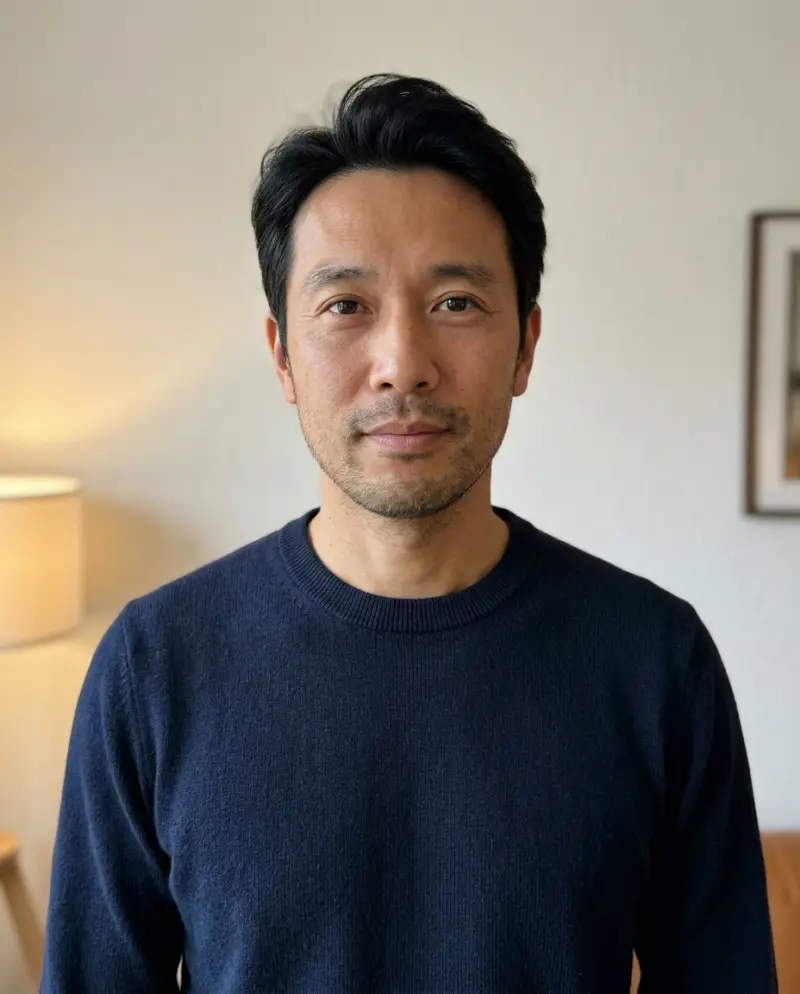
1. Soft grey zombie (the easy look)
Ash-grey skin, a faint green tint, pale lips and darker shadows under the eyes. The easiest zombie makeup to copy at home.
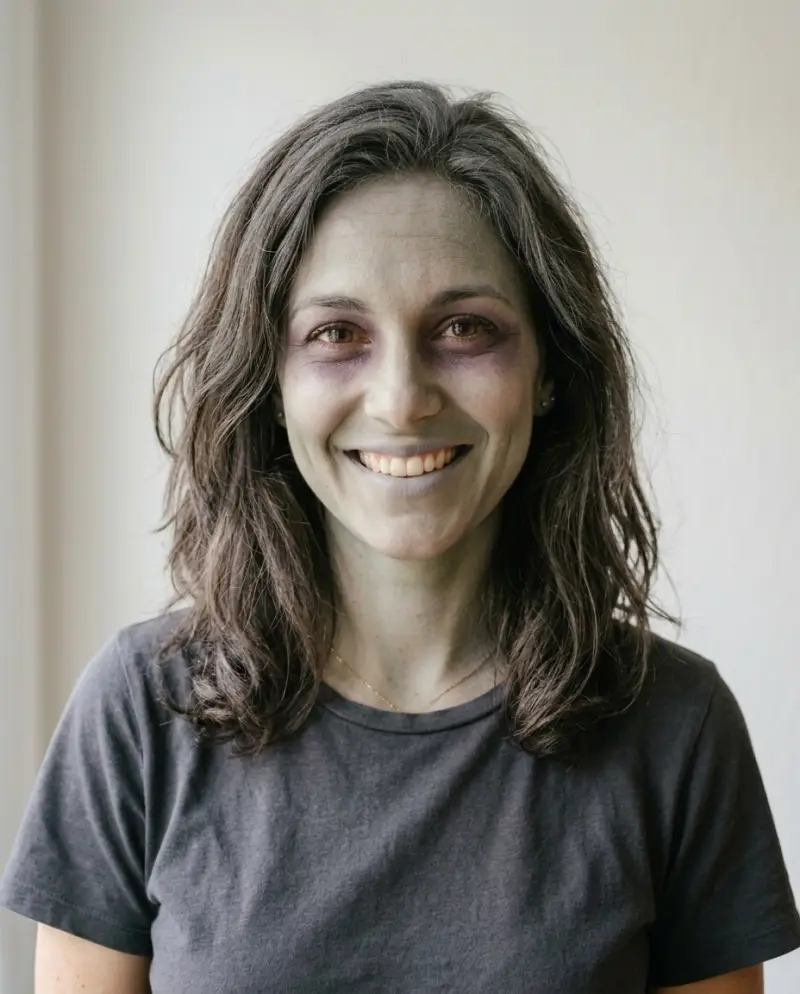
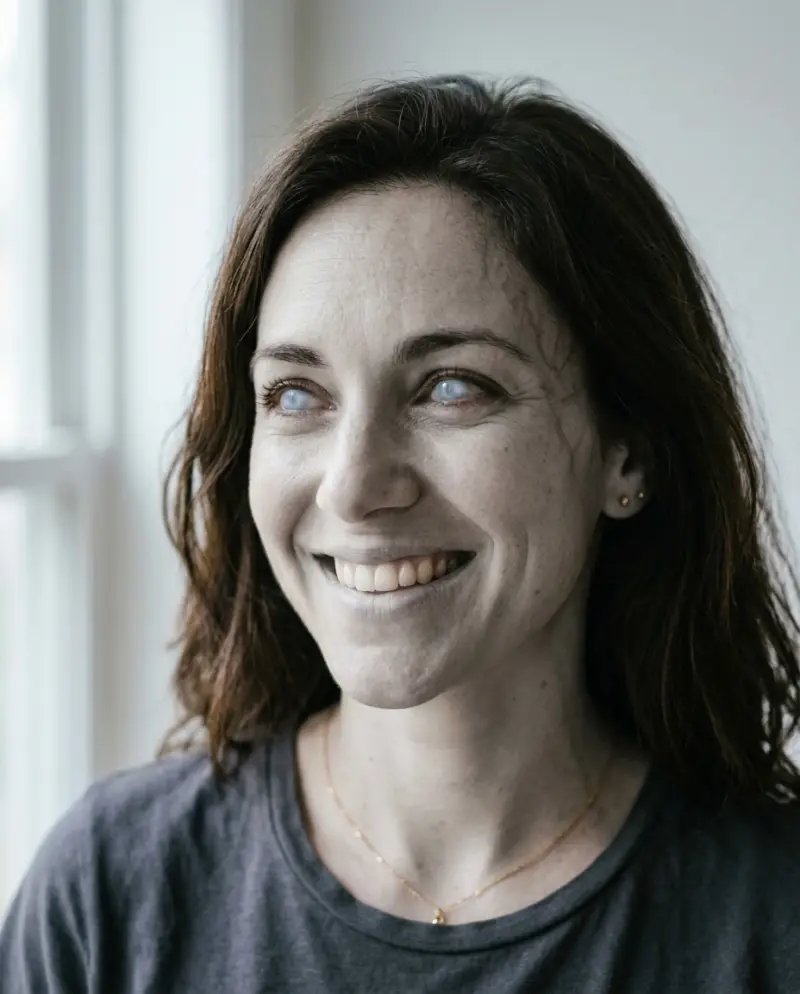
2. Pale eyes close-up
Cloudy pale eyes, grey skin and faint dark veins at the temples. Best for a close-up profile picture.
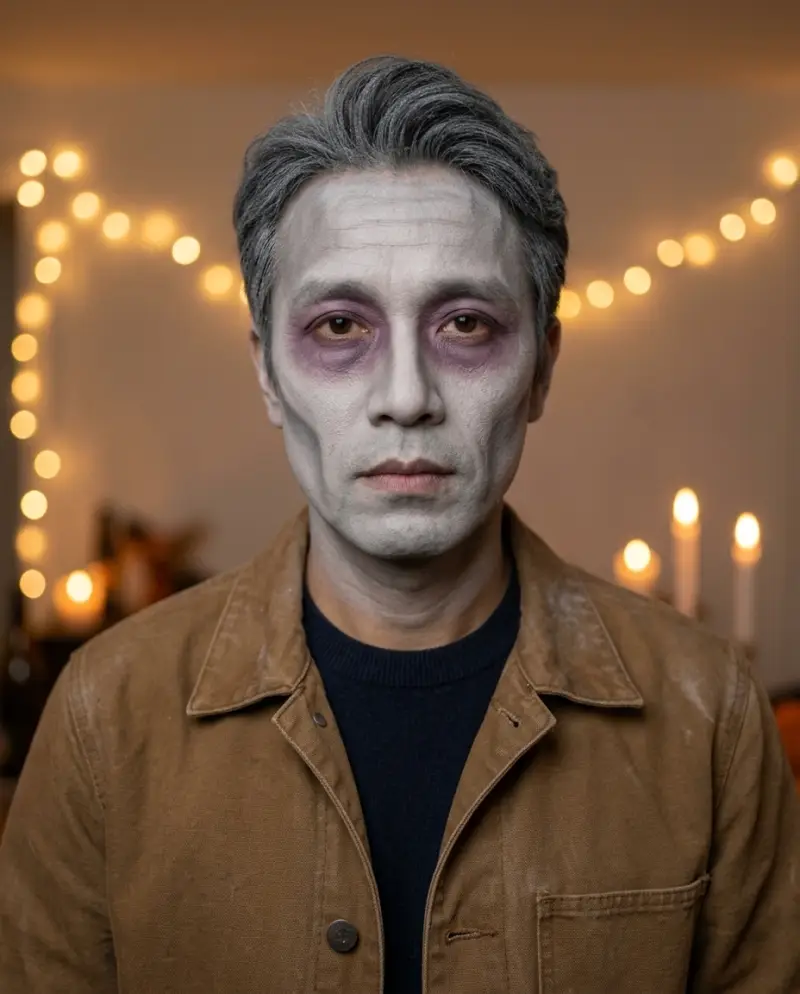
3. Party face paint
A grey-white base, purple-grey shadows and drawn hollow cheeks. It looks like makeup on purpose, which is the point.
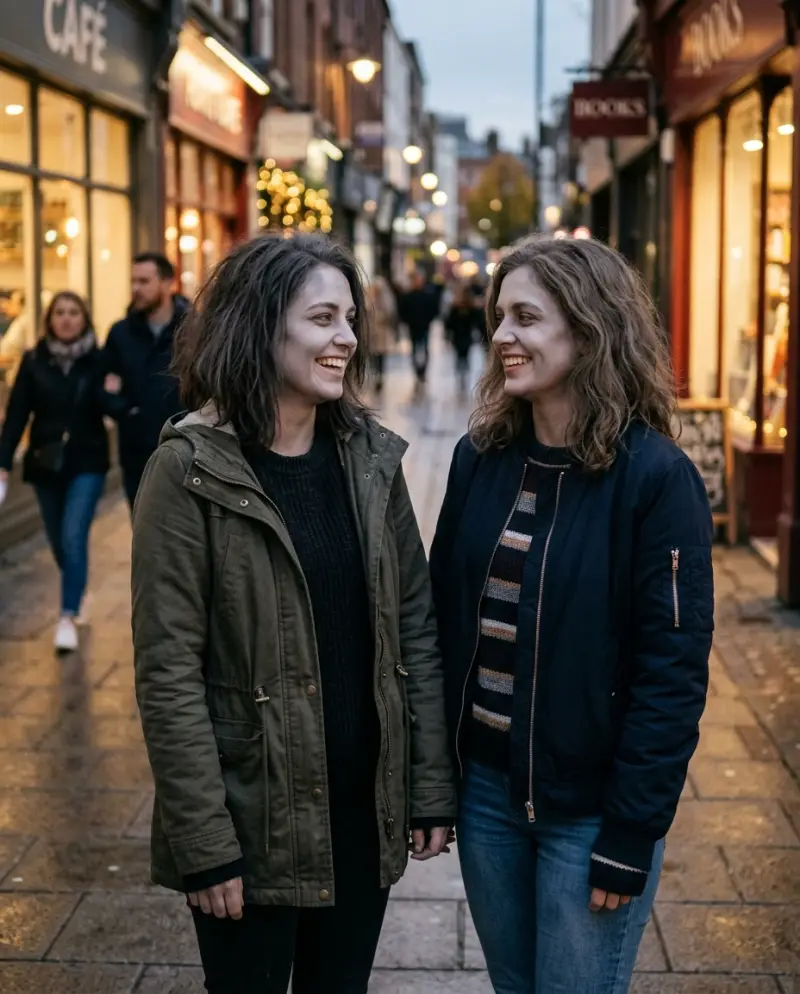
4. Two friends together
Two people side by side with the same soft zombie face, still smiling at each other.
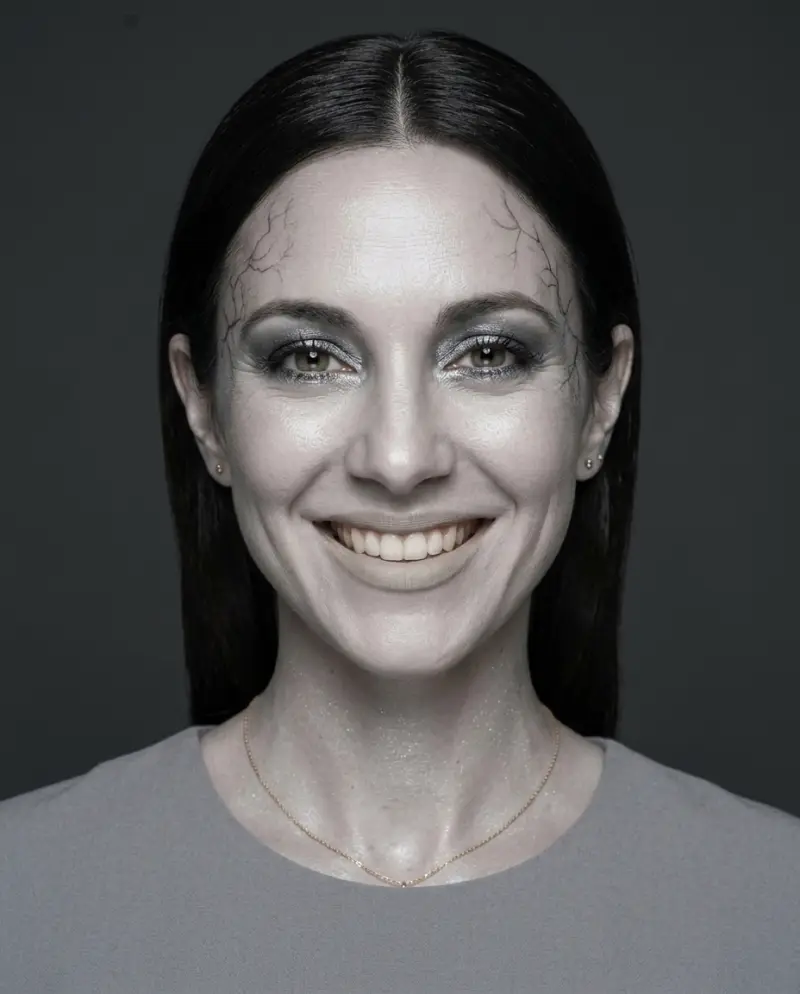
5. Editorial zombie glam
Porcelain grey skin with a soft shimmer, silver-grey eyeshadow and sleek hair. A zombie face for a fashion-style post.
How to try zombie makeup with AI (free)
- 1
Pick a clear selfie.
Face to the camera, good light, no sunglasses and no filter.
- 2
Open a free image tool.
Gemini or ChatGPT both accept one photo plus a text prompt. Use one that keeps your face.
- 3
Paste a prompt.
Copy one of the five prompts below. Start with the soft grey look.
- 4
Fix the face if needed.
If it does not look like you, add a line from the fix table. Turn on the AI label when you post.
Prompt 1: soft grey zombie makeup
The main pick. It works on most selfies.
Use my photo as the reference for my face. Keep my face exactly as in my photo. Keep my face shape, eyebrows, nose, hairline and expression exactly as in my photo.
Give me soft zombie makeup: ash-grey skin, a faint grey-green tint, pale lips, darker shadows under the eyes and cheekbones, dusty messy hair.
Same clothes, same pose, plain background. Natural daylight, sharp focus, portrait, 4:5. No text, no logos, no wounds, no red.
Prompt 2: pale eyes close-up
A close portrait with cloudy eyes.
Use my photo as the reference for my face. Keep my face exactly as in my photo.
Close-up portrait. Pale cloudy eyes with a faint glow, grey skin, faint dark veins at the temples, pale lips, a far-away look.
Soft cool window light, soft blurred background, 4:5. No text, no logos, no wounds, no red.
Prompt 3: Halloween party face paint
It should look painted on, not like a film effect.
Use my photo as the reference for my face. Keep my face exactly as in my photo.
A Halloween party look done with face paint: grey-white base, purple-grey shadows around the eyes, sunken cheeks drawn with grey contour, dry powder in the hair, an old worn jacket.
It must look like real makeup on a real person under warm party string lights, 4:5. No text, no logos, no wounds, no red.
Prompt 4: two friends as zombies
Upload two photos, one of each person. Adults only.
Use the two photos as references. Keep both faces exactly as in their photos.
The two of us side by side, both with soft zombie makeup: ash-grey skin, pale eyes, shadows under the eyes, dusty hair. We still smile at each other.
Evening street, warm shop lights behind us, 4:5. No text, no logos, no wounds, no red. Adults only.
Prompt 5: editorial zombie glam
For a fashion-style zombie face.
Use my photo as the reference for my face. Keep my face exactly as in my photo.
High-fashion zombie beauty editorial: porcelain grey skin with a soft shimmer, silver-grey eyeshadow, pale lips, thin dark veins at the temples, sleek hair.
Studio light, dark grey backdrop, clean and elegant, 4:5. No text, no logos, no wounds, no red.
If the face does not look like you
| Problem | Add or change this |
|---|---|
| It does not look like me | Use a front-facing photo with no sunglasses and no filter. Start with "Keep my face exactly as in my photo." |
| It looks too scary | Add "soft, gentle, not scary" and remove "veins". |
| It looks like a cartoon | Add "photorealistic, natural skin texture". |
| The tool refuses | Remove any film or character names. Describe only the makeup. |
| My face looks older or thinner | Add "keep my age and face weight". |
Easy zombie makeup in 6 steps
Liked a look? Here is how to paint the soft grey zombie face for real.
- Wash your face, put on moisturiser and let it dry.
- Cover your whole face with a thin layer of light grey or grey-green face paint.
- Brush grey-purple shadow into the eye sockets and under the cheekbones, so the face looks hollow.
- Cover your lips with the base colour so they look pale.
- Set it with loose powder. Mess up your hair and dust a little powder into it.
- Put on an old shirt. Take it all off with a makeup-removing oil.
For kids, use non-toxic face paint made for children. Never put makeup on a pet.
Zombie face ideas by occasion
A Halloween party
The party face paint look (Prompt 3) reads well in warm light and in group photos.
A couple or a pair of friends
Prompt 4 gives you a matching look for two. Paint the same base on both of you.
A profile picture
The pale eyes close-up (Prompt 2) crops well to a square.
A fashion-style post
Prompt 5 keeps the zombie idea but looks polished, not messy.
From one picture to a whole story: the zombie hug video
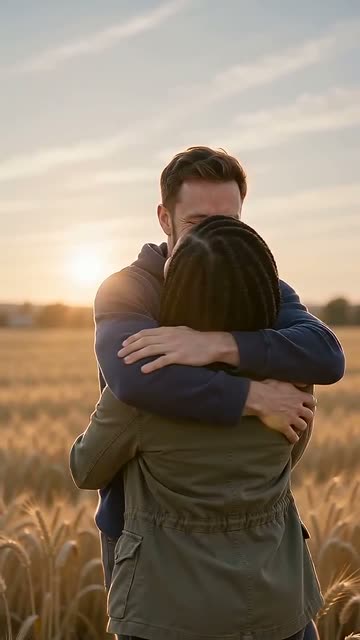
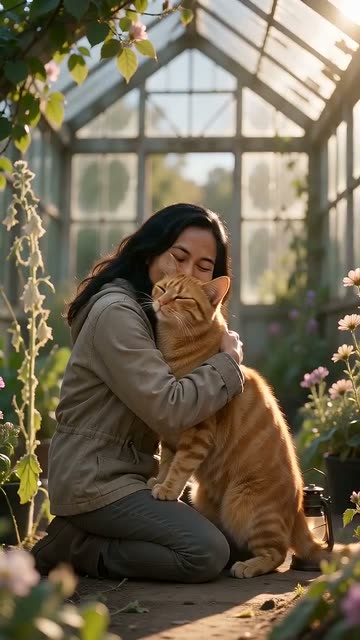
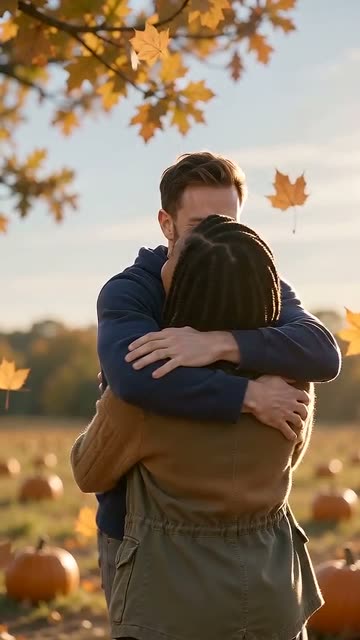
Makeup and filters give you one picture. Our video is a short story from two photos. One person has turned, the other knows them anyway, and mid-air it cuts to a warm memory. The video is paid and needs two photos.
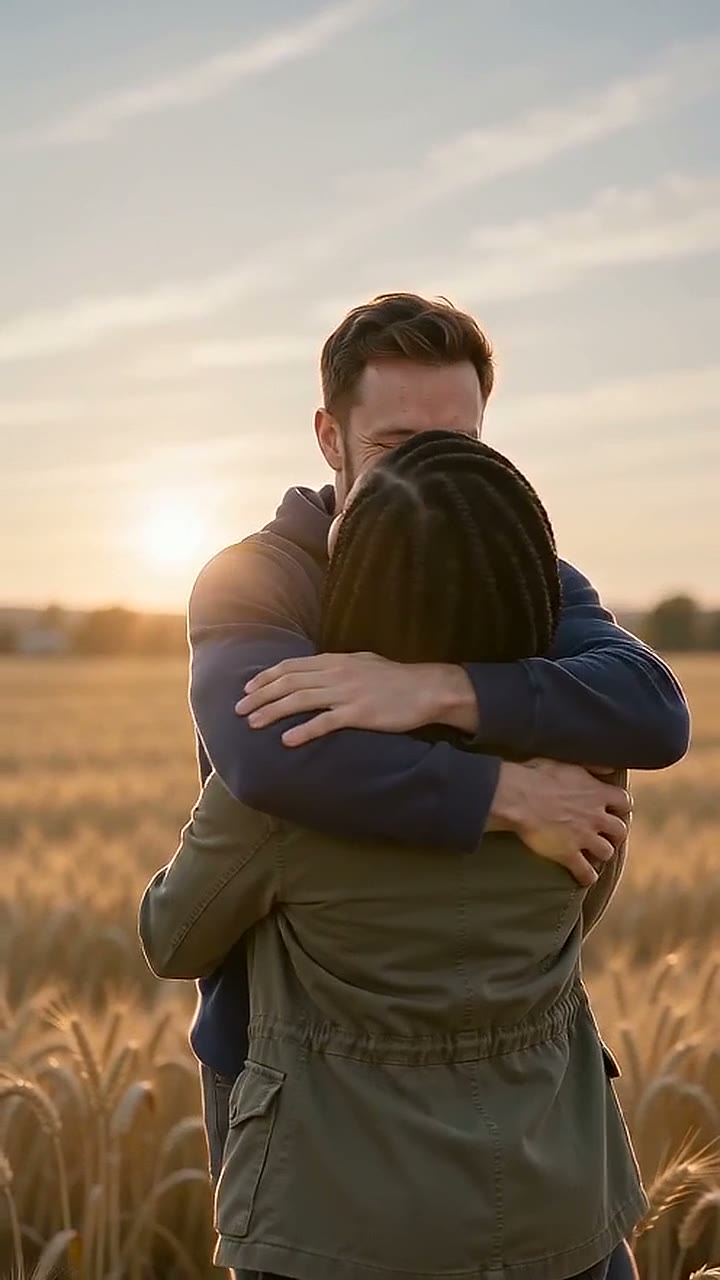
Classic, wheat field, 15 s 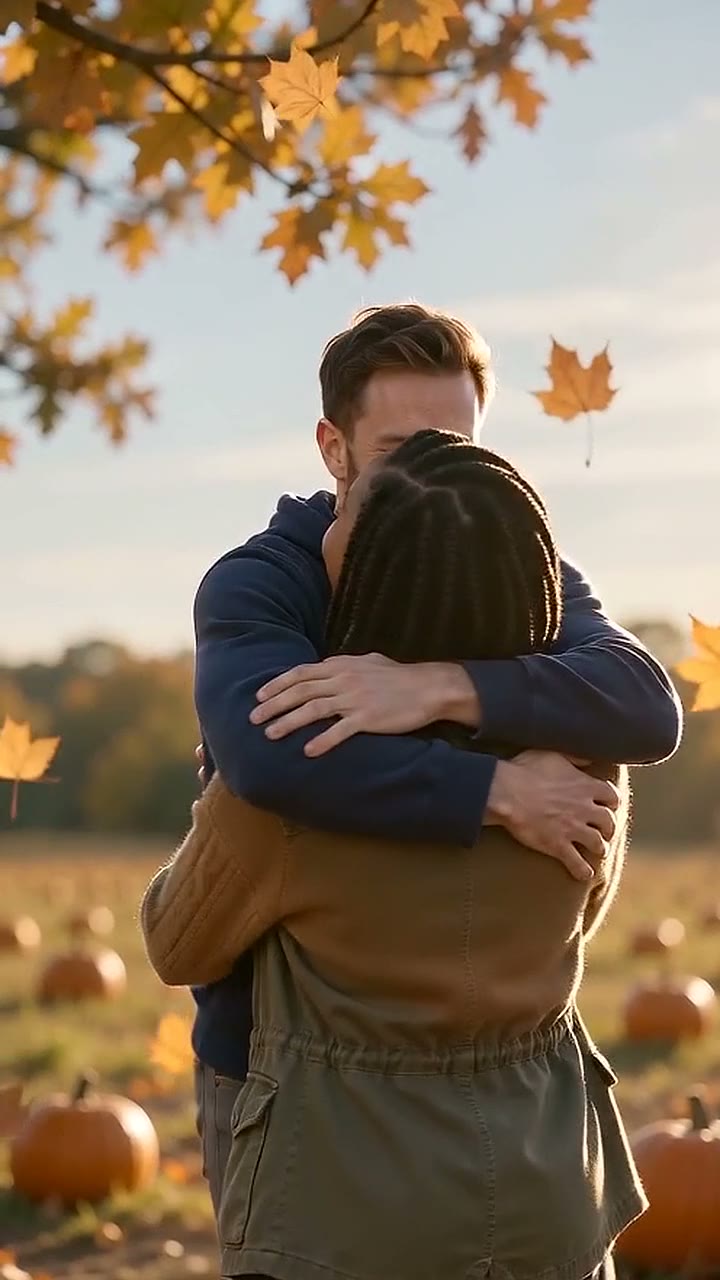
Pumpkin patch, 15 s
Two photos, 15 seconds, with sound. $6.90 per video.
Make a zombie hug videoWhat the zombie hug video includes
- 15-second vertical video (9:16, 720p) with sound.
- Scenes: Classic, Pumpkin field and Marigolds.
- $6.90 for 1 video, $12.90 for 3, $34.90 for 10, or a monthly plan of 6 videos for $19.90.
- Most videos are ready in 5 to 10 minutes.
- 1 free remake per video, and a failed video costs nothing.
You sign in with an email code when you press Make. See the Halloween zombie video page for the pumpkin field version.
Safety and consent
- Use only your own photo, or a photo of an adult who agreed to it.
- Do not upload photos of children or famous people.
- Turn on the AI label of the platform when you post an AI picture.
- Keep it fun, not cruel. Do not send AI pictures to people to frighten them.
The Acceptable Use Policy has our rules.
Questions
How do I do easy zombie makeup?
Use a light grey base, grey-purple shadows under the eyes and cheekbones, pale lips and powder in messy hair. The six steps above walk you through it.
Can AI do zombie makeup on my face?
Yes. Free image tools such as Gemini and ChatGPT accept one selfie. Paste a prompt from this page and start with the line that keeps your face.
What is the best AI prompt for zombie makeup?
Start with Prompt 1, the soft grey look. For a polished, fashion-style face, use Prompt 5.
Is there a zombie filter?
Yes. Many photo and short-video apps have a zombie effect; search their effect library for "zombie". Names change often, so we do not list them.
Can I turn myself into a zombie for free?
Yes, as a photo. The prompts on this page are free to use in free image tools. The Zombie Hug video is paid: $6.90 for one.
Will it still look like me?
Usually, yes. It depends on the photo and on the line that keeps your face; the fix table above covers the common problems.
Can I make it as a video?
Yes, with two photos. Zombie Hug makes a 15-second zombie hug video: one person turns, the other knows them, then a cut to a warm memory. We do not make single-person filter videos.
Can I use a photo of my friend?
Only if your friend is an adult and agrees. Do not use photos of children or famous people.
More pages
- Halloween Zombie Video: Your Zombie Hug From Two Photos
Two photos in, a Halloween zombie video out: a zombie hug in a pumpkin field, then a mid-air cut to a warm memory. 15 s, with sound.
- The Masked Phone-Call AI Trend: What It Is and How to Make Yours
The 90s phone-call photo with a masked figure in the doorway. What the trend is, free prompts that work, how to animate it, and a zombie video for Halloween.
- Zombie Love Story Prompt: Copy-Paste AI Prompts and How to Fix Them
Free zombie love story prompts to copy: our tested 15-second prompt, a two-clip version for Kling and CapCut, and fixes for mixed-up people and wrong cuts.