AI Zombie Filter: Turn One Photo Into Zombie Makeup
Our AI zombie filter turns one photo into four zombie makeup photos. Pick vertical, square or wide. Your photo set costs $3.90.
4 looks: classic, cloudy eyes, Halloween party and glam.
$3.90One photo set
1K JPG images. Private delivery and a download for each scene.
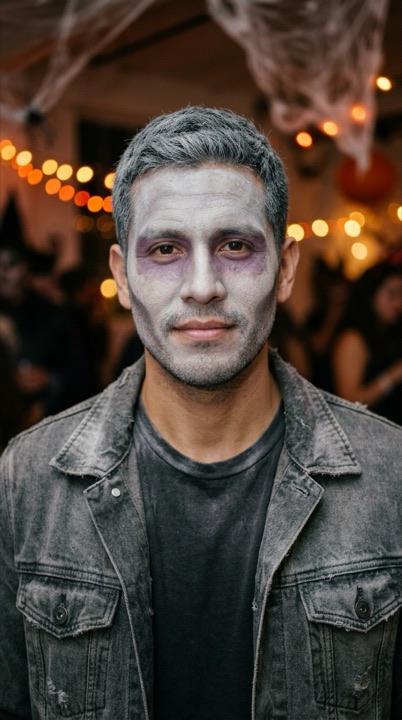
One photo, four looks. Pick your shape and make your set.
Make my photo setSee the zombie filter on three faces
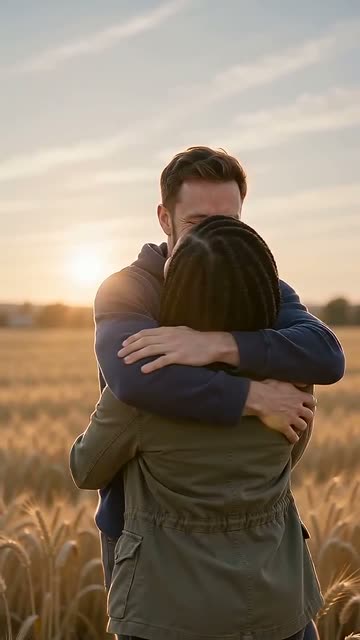
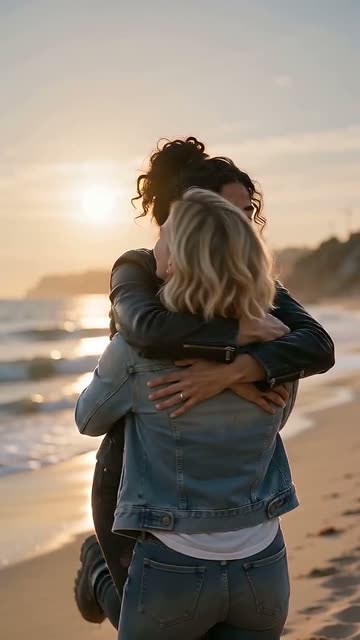
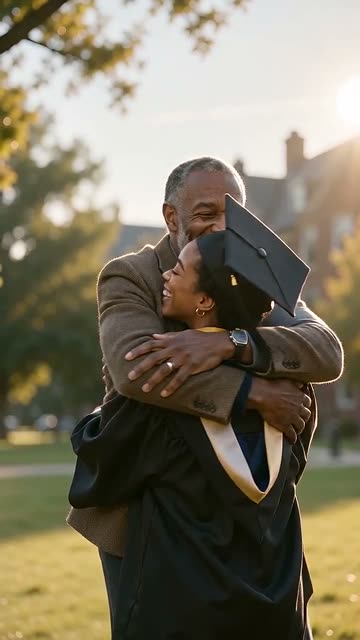
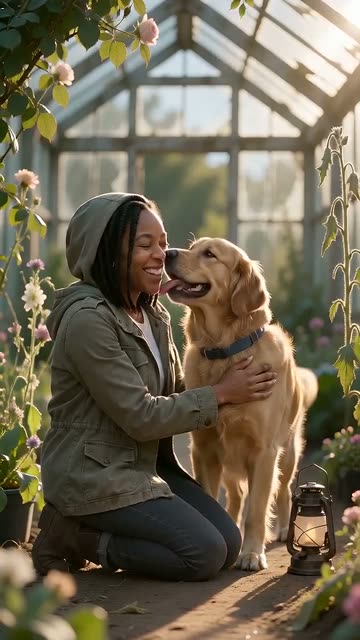
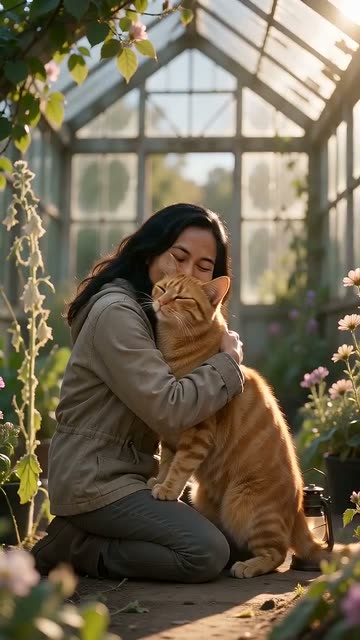
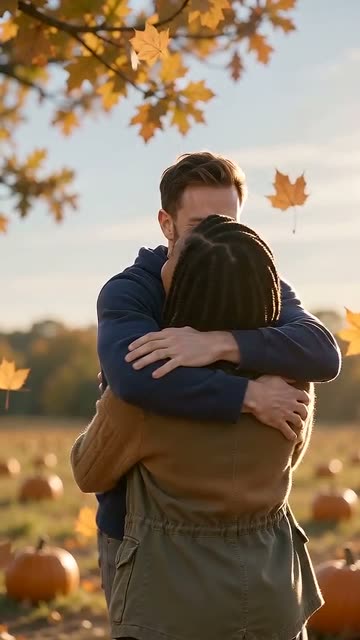
The people in these samples are AI-generated. Each paid set includes all four looks in your chosen shape.
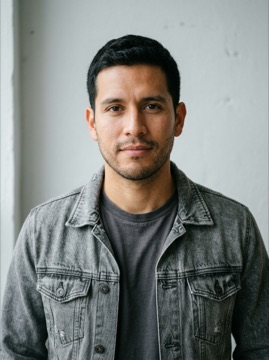 Input photo → scene
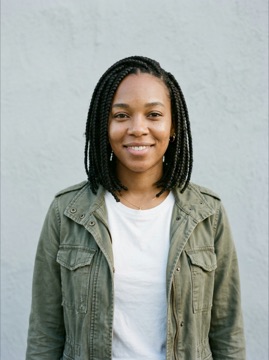 Input photo → scene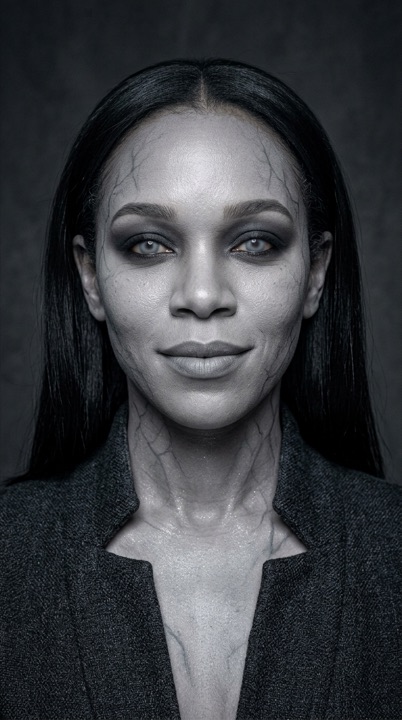
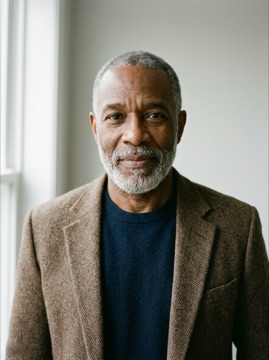 Input photo → scene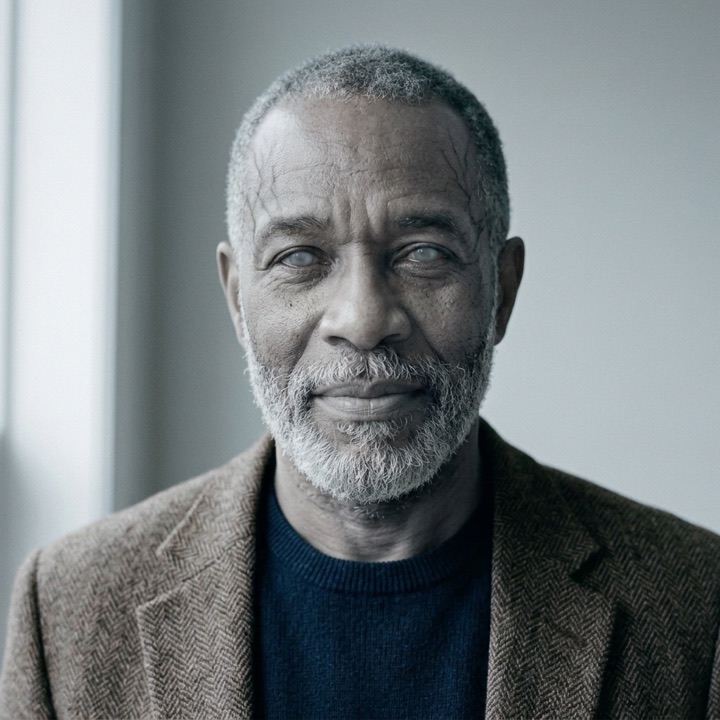
What does this AI zombie filter do?
It turns one clear photo into four still portraits: classic, pale eyes, party and glam. The aim is to keep you recognisable while changing the makeup. Choose one shape for the whole set: vertical, square or wide.
What you upload and what you get
Upload one clear photo of one adult who agrees to it. You get 4 looks, one image per look, in 1K JPG with no watermark. Choose 9:16 vertical, 1:1 square or 16:9 wide beside the upload. All four images use that shape; choose before paying.
One photo set for $3.90
$3.90 for 4 images. All three shapes cost the same. Sign in with Google or an email code, then pay at checkout. This is a one-off purchase, separate from video credits, packs and subscriptions. Make your photo set
How it works
- 1
Upload and choose a shape
Add one clear photo and pick vertical, square or wide.
- 2
Sign in and pay
Press Make, sign in with Google or an email code, and pay $3.90 for your set.
- 3
Download your four looks
We make and check each image. Open your private order link to see the results as they arrive and download each JPG.
Four zombie makeup looks
- Classic: full ash-grey face paint, deep grey shadows and dusty messy hair.
- Eyes: cloudy pale eyes, grey skin and soft cool window light.
- Party: grey-white face paint and drawn hollow cheeks under warm string lights.
- Glam: porcelain grey makeup, smoky eyes and sleek hair in studio light.
Photo tips for a clear result
Use a sharp photo with your face clearly visible in even light. Leave room around your head and neck. Avoid sunglasses, heavy filters and other people in the frame. Upload your own photo or one of an adult who has agreed. The result is AI-generated and may vary; it is a photo preview, not a live camera effect.
Try the look before you paint
Compare the four portraits and choose a look to try in real life. Follow the real makeup steps for a grey base, shadows and finishing touches.
Zombie Halloween costume ideas
Pair the party look with an old jacket, or the glam look with a simple dark outfit. For couple Halloween costume ideas, try matching grey makeup and coordinating your clothes. See the zombie couple video and Halloween ideas.
The two-photo zombie hug video is a different product. This photo set contains still images of one person.
Questions
How do I turn myself into a zombie with AI?
Upload one clear photo, choose a shape and press Make. Sign in and pay for your set. We make four portraits with different makeup looks, then send you a private order link.
What is the best zombie filter app or website?
It depends on what you want. Ours makes four downloadable still portraits from one photo, with a choice of three shapes. It does not offer a live camera filter. We do not rank other apps or websites.
Can AI show me in zombie makeup before I try it?
Yes. This set gives you four AI-generated versions to compare before painting your face. It is a visual idea, not a guarantee of how real makeup will look.
How much does the AI zombie filter cost?
$3.90 buys 4 images, one per look, with no subscription. All three shapes cost the same. Video credits cannot pay for this set.
Is there a Halloween discount code?
The HALLOWEEN code applies to the zombie video packs from October 20 to November 2, not to this photo set.
What happens to my photo? Is it private?
Your photo is used by us and our AI providers to make the images. Keep your order link private. Unpaid uploads are kept for 7 days, paid photos for 7 days after delivery, and results for 30 days. Download before they expire. You can delete your photos and results.
How long until my photos are ready?
Allow a few minutes for generation and checks. Each look runs separately, so images can arrive at different times. A retry or a busy service can take longer. We email you when an image is ready.
What happens if a photo fails? Can I get a refund?
Each failed image retries once automatically. If it still fails, contact support from your order email within 14 days of payment to request a refund for the failed images. No additional remake is included.
More pages
- Zombie Makeup Ideas: See the Look on Your Face Before You Paint
Zombie makeup ideas you can try on your own photo first: five free AI prompts for grey skin and pale eyes, plus an easy real zombie look in 6 steps.
- Halloween Zombie Video: Turn 2 Photos Into a Zombie Hug
Two photos in, a Halloween zombie video out: a zombie hug in a pumpkin field, then a mid-air cut to a warm memory. 15 s, with sound.
- Zombie Couple Video: Make Yours From Two Photos
Make the zombie couple video from two photos: one of you turned, the other lowers the gun, then a mid-air cut to a warm memory. 15 s, with sound.
- Ghostface AI Generator: Put Yourself in a Masked-Caller Photo
Ghostface AI generator: one photo becomes four 1990s masked-caller scenes. Choose vertical, square or wide. $3.90 for 4 images, delivered privately.